
The Abacus Learning App That Turns Daily Practice Into Play
Mental math games, a virtual abacus and progress reports you can actually read — the same 21-year Mastermind method your child learns in class, now in your pocket. An abacus learning app built for children aged 6–14, and for the parents watching over them.
Free download · Android & iOS phones and tablets · Login provided at enrollment
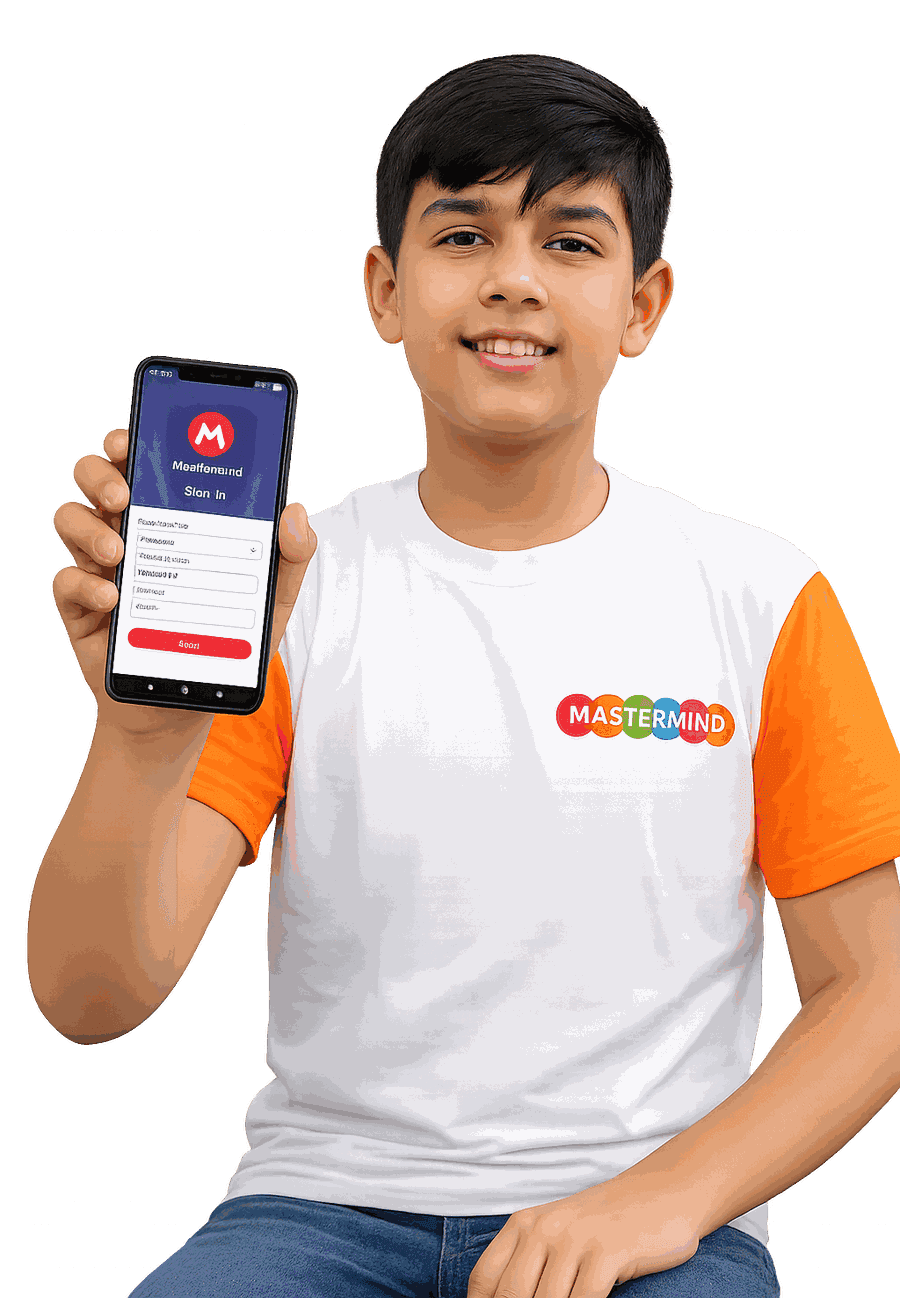
What Is the Mastermind Abacus Learn & Grow App?
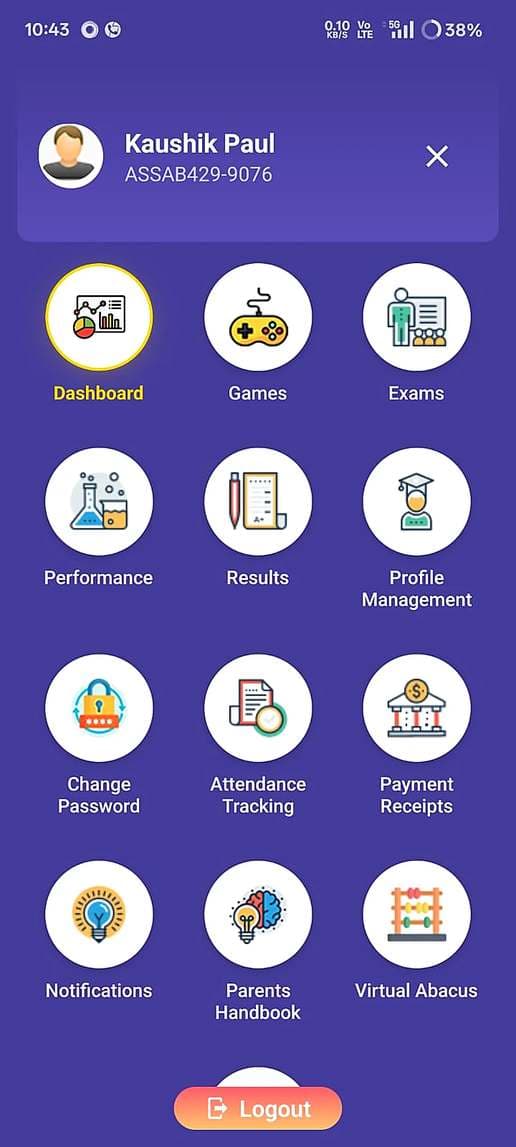
Mastermind Learn & Grow is a complete digital learning ecosystem that connects students, parents and teachers on one platform. From practice and assessments to attendance, results, fee receipts and communication — everything is available in a single app. Your child learns and practises. You stay informed. The teacher stays connected.
Designed Around Every Child’s Learning Journey
Everything a child needs to learn, practise, improve, and succeed — all in one app.
Virtual Abacus
Practise anytime with an interactive digital abacus that mirrors the real classroom tool — bead by bead.
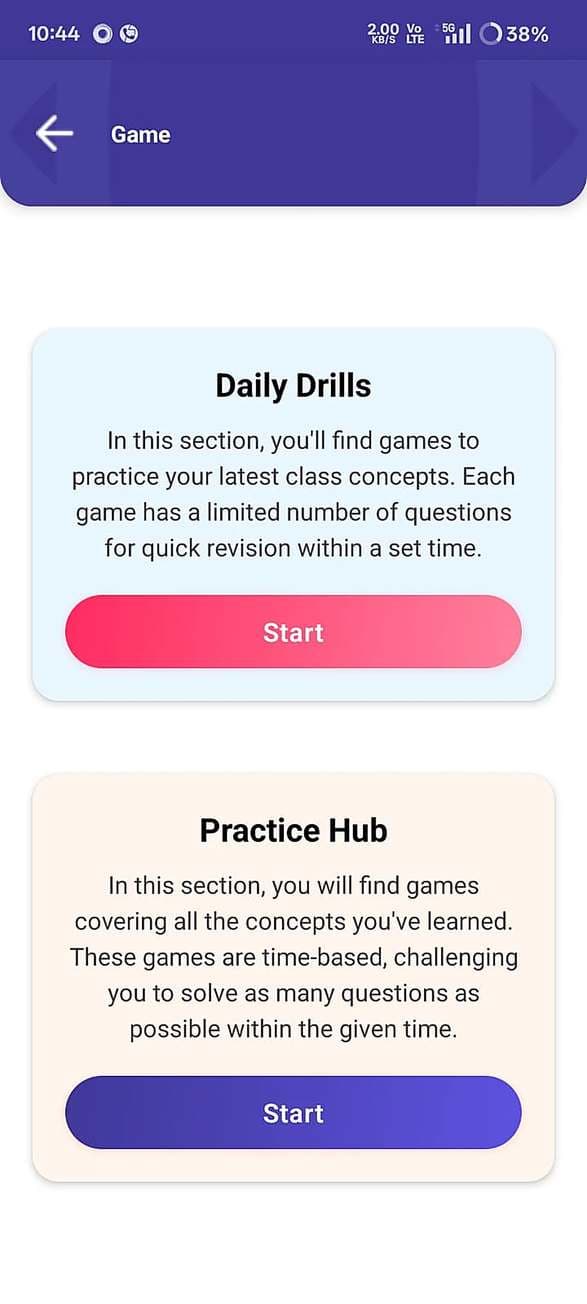
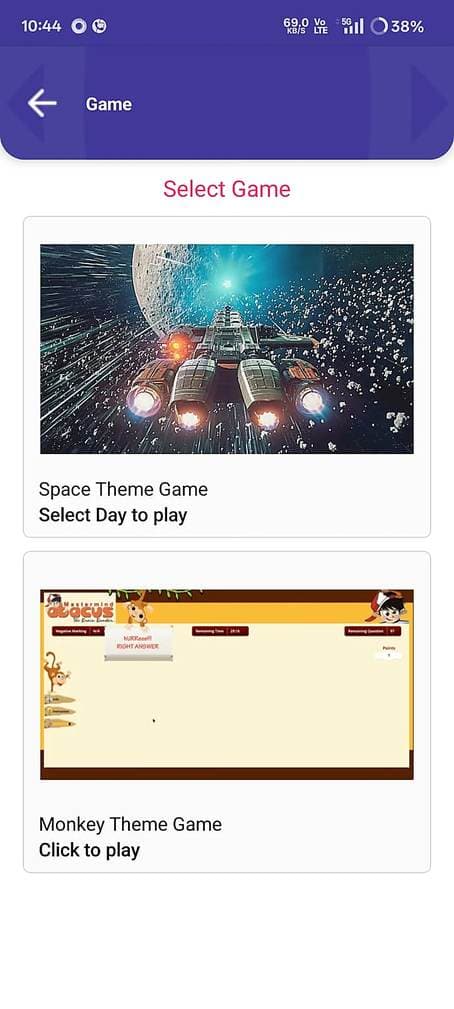
Gamified Learning
Fun activities and games that make daily practice something your child looks forward to.
Progress Tracking
Monitor improvement through clear performance reports and results, level by level.
Online Assessments
Take level-wise exams inside the app and walk into every test prepared and confident.
Learning Resources
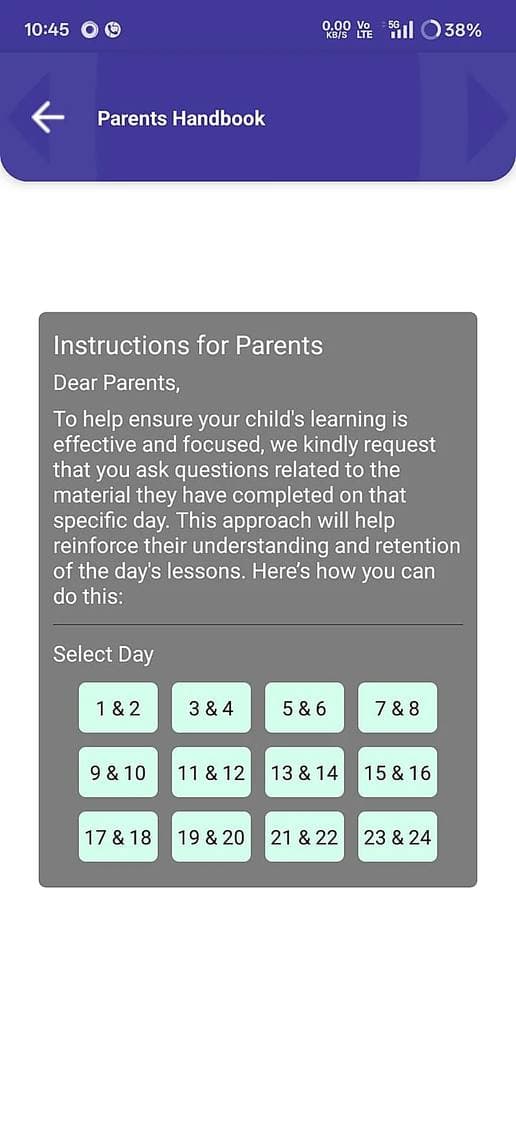
Access practice material and the Parent Handbook anytime — everything in one place.
Stay Connected
Receive notifications, attendance updates and fee receipts in one place — no more missed messages.
How Does the App Work?
Three steps from download to visible progress.
Download & Log In
Install free from Google Play. Enrolled students log in with credentials from their Mastermind center — or book a free demo to get started.
Practice 10 Minutes a Day
Your child plays level-matched games and moves virtual beads. The app adapts as skills grow — no supervision needed.
Watch the Reports
Open the daily, weekly or monthly report to see accuracy, speed and weak areas — and celebrate wins together.
The Safest Kind of Kids’ App: One That Collects Nothing
Check the Google Play data-safety listing yourself: no data shared with third parties, no data collected. No ad networks watching your child. No chat with strangers. Rated 3+, with parental controls built in. Read our privacy policy for the details.
Mastermind App vs Generic Abacus Apps
| What matters to parents | Mastermind Learn & Grow | Generic abacus apps |
|---|---|---|
| Backed by a real classroom curriculum | ✔ 21-year, 10-level Mastermind syllabus | ✘ Standalone puzzles |
| Follows the Indian school method | ✔ Yes — no conflict with schoolwork | ✘ Often foreign methods |
| Parent progress reports | ✔ Daily, weekly, monthly | ✘ Badges & streaks only |
| Real teacher connected to practice | ✔ Teachers assign & track tasks | ✘ No human in the loop |
| Data collected from your child | ✔ None | ✘ Varies; often ad-supported |
| Cost model | ✔ Free with enrollment | ✘ Subscriptions & in-app purchases |
Inside the App
What Families Say
★★★★★Earlier I had no choice but to sit thru her practice sessions. But now, whenever she is stuck she uses the virtual Abacus. Me and her teacher, both were surprised last month when she completed her math test before time.
★★★★★The most impressive thing about the app is that every piece of information is in one place. Be it attendance, results, or even fee receipts—they all come as notifications. I am no longer dependent on the center for information. Because of the games, my son loves to practice on the app.
★★★★★Even in Grade 3, my son used to count on his fingers. But after 6 months of classes and just 10 to 15 minutes of practice on the app, he has learned to calculate two-digit numbers mentally. The exam option in the app has helped him overcome his test phobia.
Abacus Learning App — FAQs for Parents
What is the Mastermind Abacus Learn & Grow app?
It is a mental math learning app for children aged 6–14 that combines interactive math games, a virtual abacus, tailored learning paths and daily, weekly and monthly progress reports for parents. It is built by Mastermind Abacus, an abacus education company with 1,000+ centers in 17 countries.
Is the app free to download?
Yes. The app is free to download on both Google Play and the App Store. Students enrolled with Mastermind Abacus get full access to level-wise practice linked to their classroom curriculum.
What age group is it designed for?
The app is designed for children aged 6 to 14.
Is it available on iPhone or iPad?
Yes. The app is available for Android on Google Play and for iPhone and iPad on iOS. If you need any help downloading it, contact your nearest Mastermind Abacus center.
How is this different from free abacus games?
Generic apps offer puzzles. Learn & Grow is the practice engine of a 21-year, 10-level classroom curriculum: it follows the Indian school calculation method, sends structured progress reports to parents, and collects no user data.
Won't this just increase my child's screen time?
The app converts screen time into structured brain training — short, level-locked sessions with parental screen-time limits, and no ads or endless feeds. Around 10–15 focused minutes a day is enough for steady progress.
Is my child's data safe?
Yes. The Google Play data-safety listing states that no data is shared with third parties and no data is collected.
How do I download the app?
Search “Mastermind Abacus Learn & Grow” on Google Play for Android, or on the App Store for iOS — or simply tap the download button on this page. Then log in with the credentials provided at enrollment.
Can I try Mastermind Abacus before enrolling?
Yes — book a free demo class for children aged 6–14. You and your child experience the method before deciding anything.
What do I need to get started?
An Android or iOS device, the free app, and a Mastermind Abacus enrollment — or simply book a free demo class to begin.
Give Your Child 10 Smarter Minutes a Day
Free on Google Play for Android and on the App Store for iPhone and iPad. Already visiting a Mastermind center? Your login is waiting. New to Mastermind? Start with a free demo class.
Free · Android & iOS · Rated 3+ on Google Play